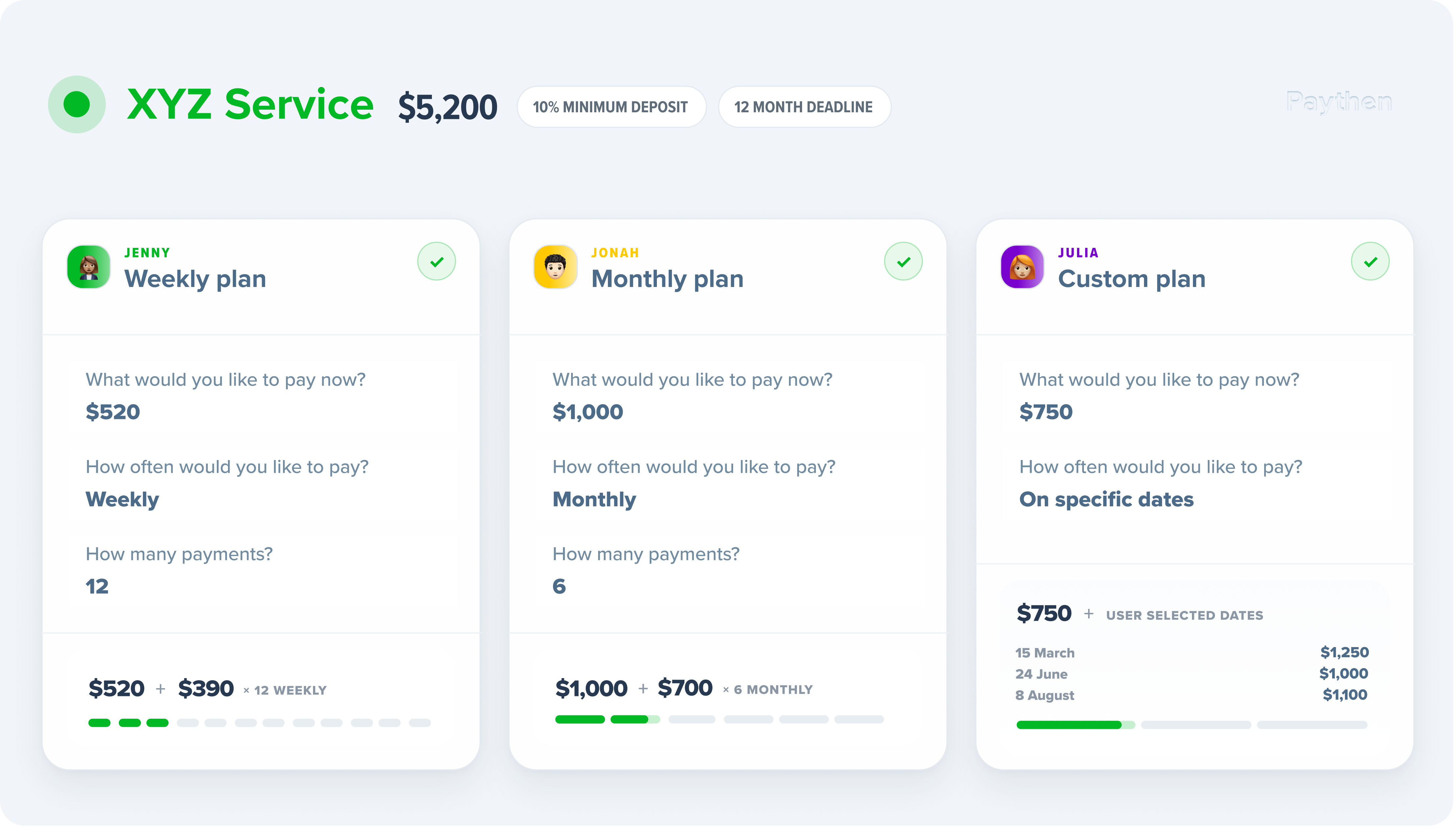
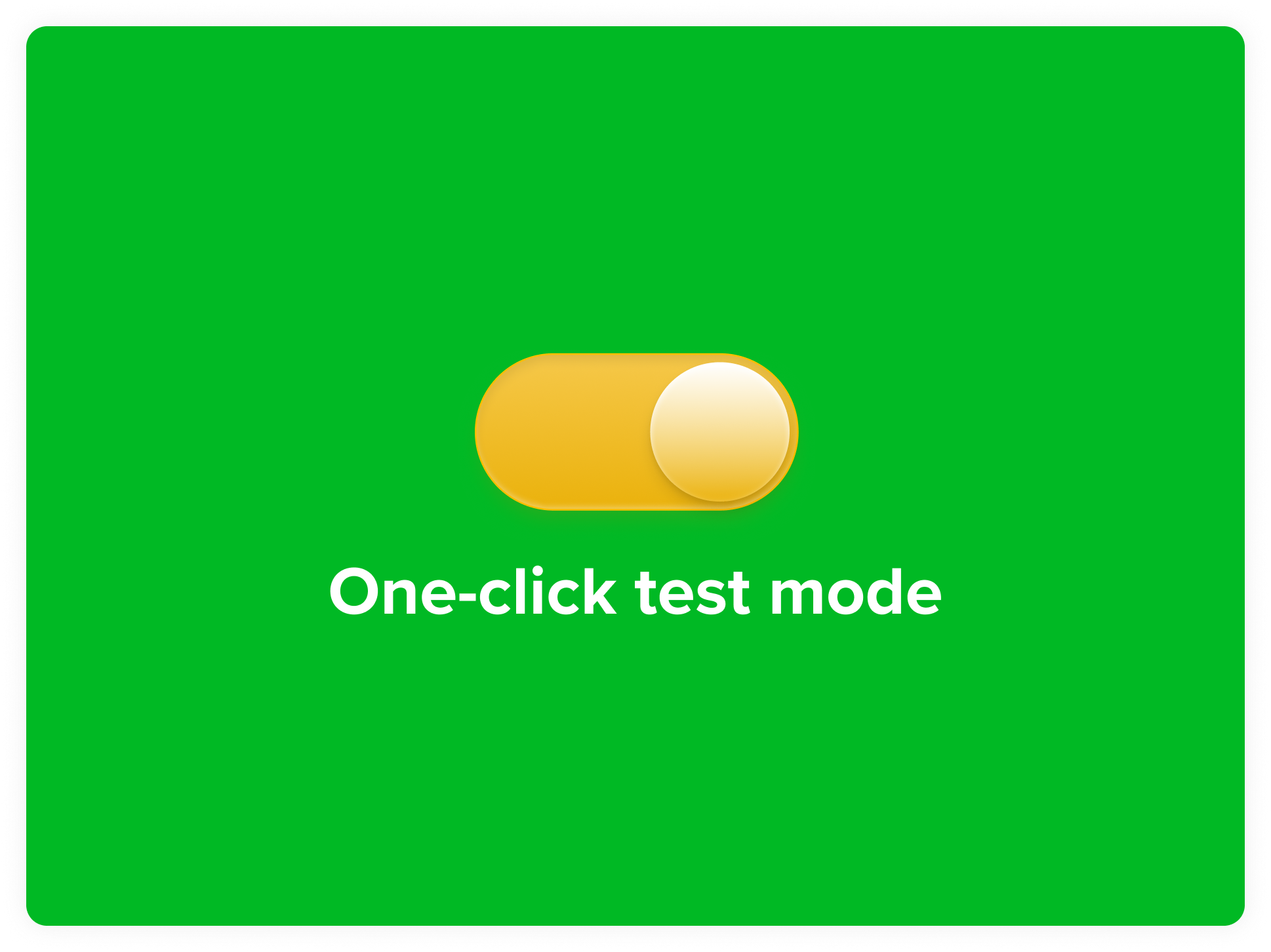
Paythen now has a one-click test mode toggle – you can switch to this anytime to try out new plan types, understand how a new discount would work, test new templates and understand customer progression first-hand. You get real emails in test mode from simulated events – just like your customers would. Use test mode to fast-forward payment plans, get customer-facing emails, simulate what happens when a payment fails, and test new things without any live payments.
To try test mode, just flip the switch next to the Paythen logo. A yellow “You’re in test mode” label stays on while you’re in it so there’s never any doubt about which data you’re looking at. Flip it back and you’re in live mode exactly where you left off. The first time you or someone on your team toggles on test mode, we’ll add some sample test mode data you can check out. Create more by signing up to a test plan yourself. Wipe it with one-click whenever you want.
What you can do in test mode
Build and refine new plans — payment plans, Pay your way, date-based, Wait for it, Flexipay, subscriptions and one-off payments, plus templates and discount codes.
See exactly what customers see — open any test plan link and go through the full checkout with simulated card fields. No real card is saved or charged. Use a real working email to ensure you get the same emails customers would. You can toggle your admin email settings for test mode separate to your live mode settings too.
Simulate what happens next — test plans don’t advance on their own, so each test customer’s page has controls to simulate the next payment, a failed payment, or send the upcoming payment reminder.
Get the real emails — sign up with a working email and the customer and admin emails land in your inbox, clearly marked as test-mode emails. Email settings in test mode are separate, so you can switch them on or off without affecting live.
Copy between modes — move plans, templates and discounts from test to live once you’re happy, or bring a live plan into test to try a change. Each copy is a new, isolated object and not synced between modes in real time to avoid accidental changes. Copy back and forth as often as needed.
Start fresh any time — add a set of sample customers, plans, templates and discounts in various statuses, or wipe all test data with one click via Settings › Account info. Live data is never touched when you do this.
Test test mode templates with WooCommerce — If you’re using our WooCommerce plugin, you can use a test-mode template link to check the full store-to-payment-plan flow before going live – this gives you a full picture of what your customers will see using your exact plan setup and configuration. Don’t forget to change this to a live template link once you’re done testing!
A few things to know
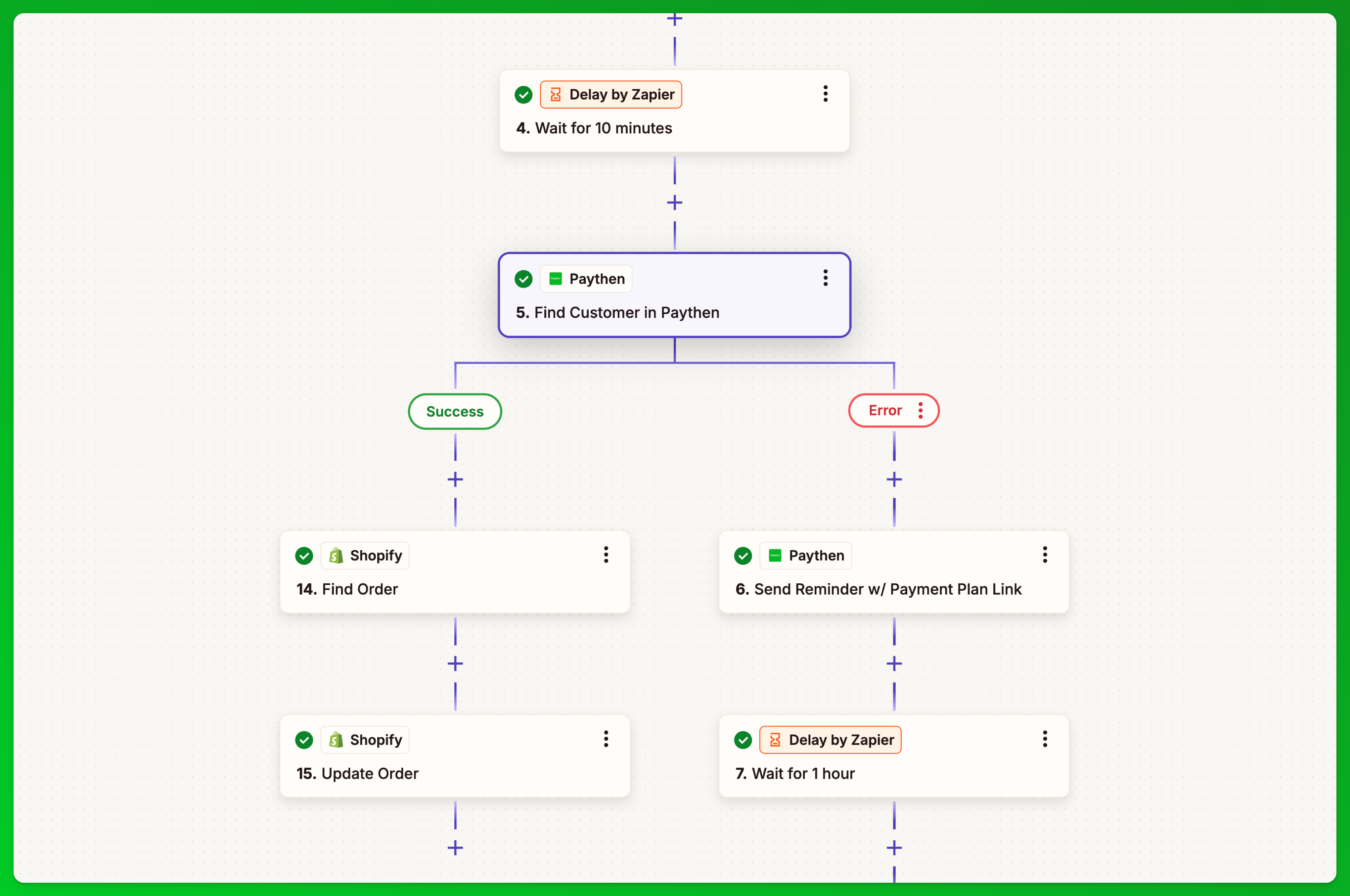
Test mode doesn’t currently work with Zapier and creates no data in your Stripe account. Early access features like Offers and our Rewardful integration aren’t available in test mode yet. If you need to test a full workflow involving Zapier or Stripe data, use a separate Paythen demo account connected to a Stripe sandbox.
As always, we’d love to hear what you think. If you have questions or feedback, reach out via the chat icon 💬
👉 Try test mode in your dashboard now
👉 Testing in Paythen guide
👉 Understand demo accounts (vs. test mode)